Access Keys
Create and delete RustFS access keys in the Console.
Access keys are the credentials that applications and tools use to authenticate to RustFS and to authorize their requests. This page shows how to create and delete access keys in the Console.
Prerequisites
- A running RustFS instance. See the Installation Guide.
Creating Access Keys
- Sign in to the RustFS Console.
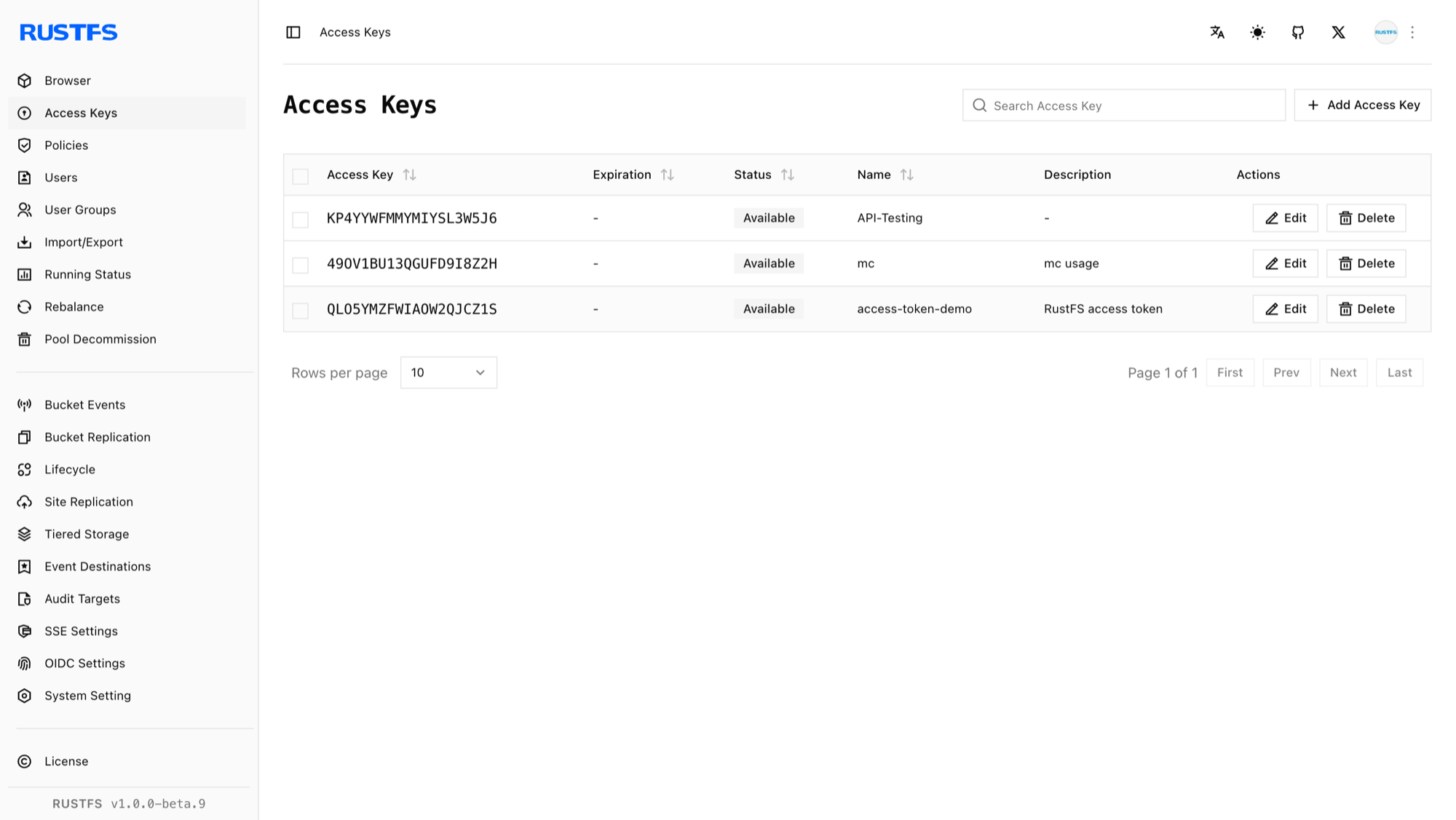
- In the left navigation bar, select Access Keys.
- On the access keys page, in the upper right corner, click Add Access Key.
- Enter an Expiration, Name, and Description for the key, and then select Submit.
- (Recommended) On the page that appears, select Copy or Export to save the key.
Deleting Access Keys
- Sign in to the RustFS Console.
- In the left navigation bar, select Access Keys.
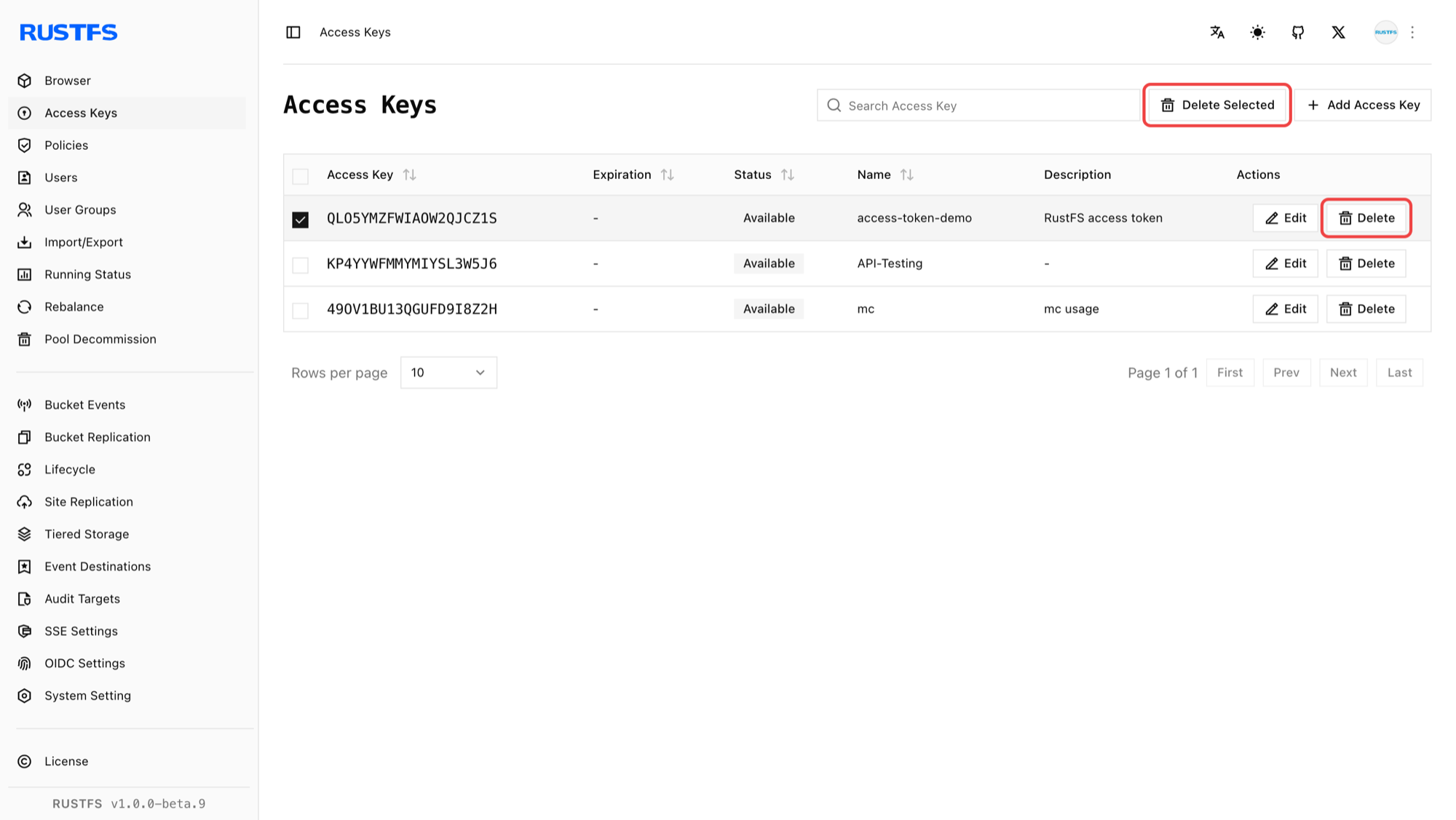
- On the access keys page, select the access key you want to delete.
- Select Delete next to the access key, or select Delete Selected Items in the upper-right corner.